Windows
Nunchuk Wallet for desktop
For Windows, macOS & Linux
Decentralized Bitcoin. Self-custody starts with you.

Bitcoin self-custody for your desktop.
Your keys. Your control.
Nunchuk Wallet for desktop
Nunchuk Wallet for desktop

Nunchuk Wallet for desktop
Choose the platform for your computer. Select the installer for your operating system.
Three foundations
Independent keys, personal verification and a recovery path you understand.
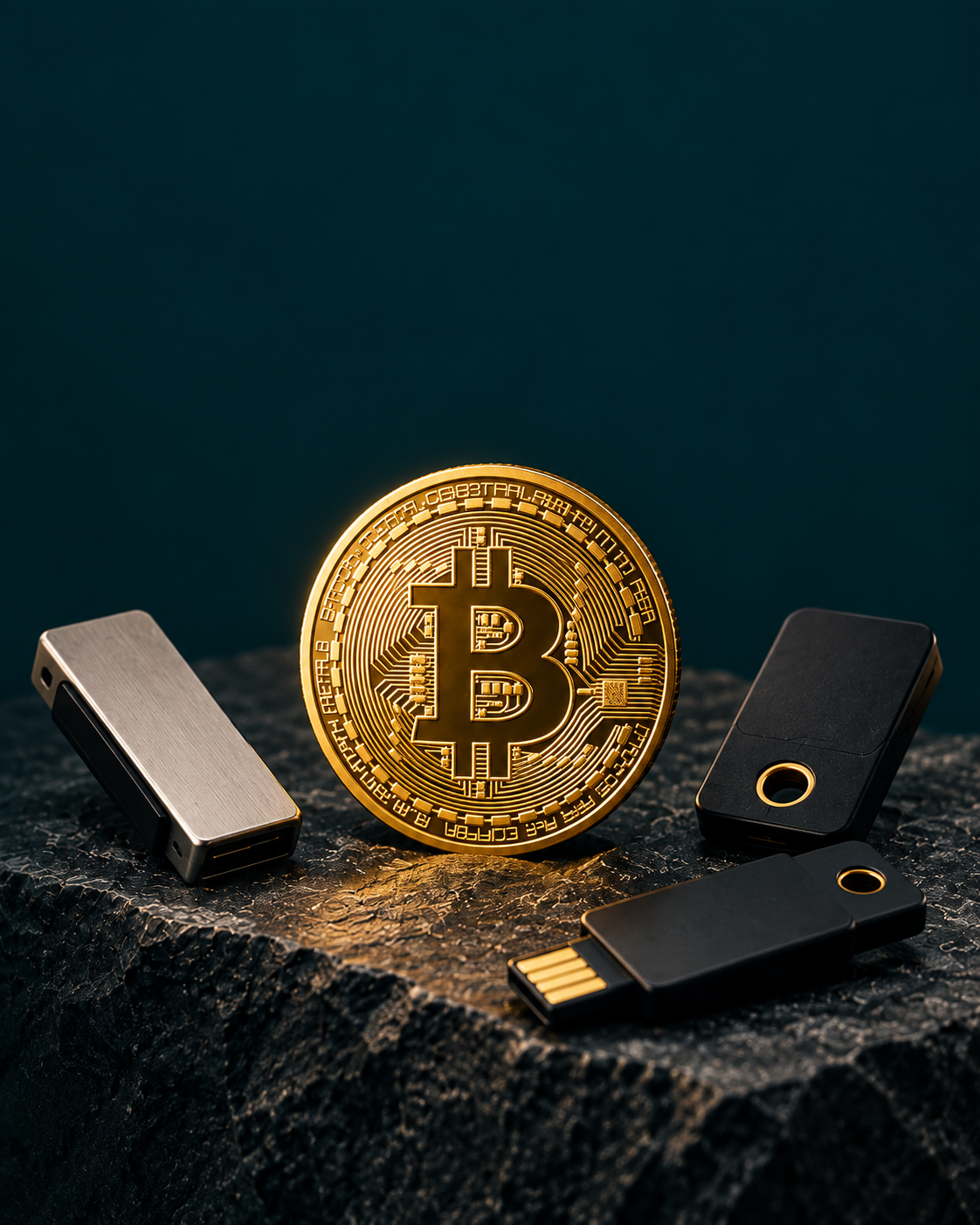
Multiple keys. One resilient wallet.


Multisig security
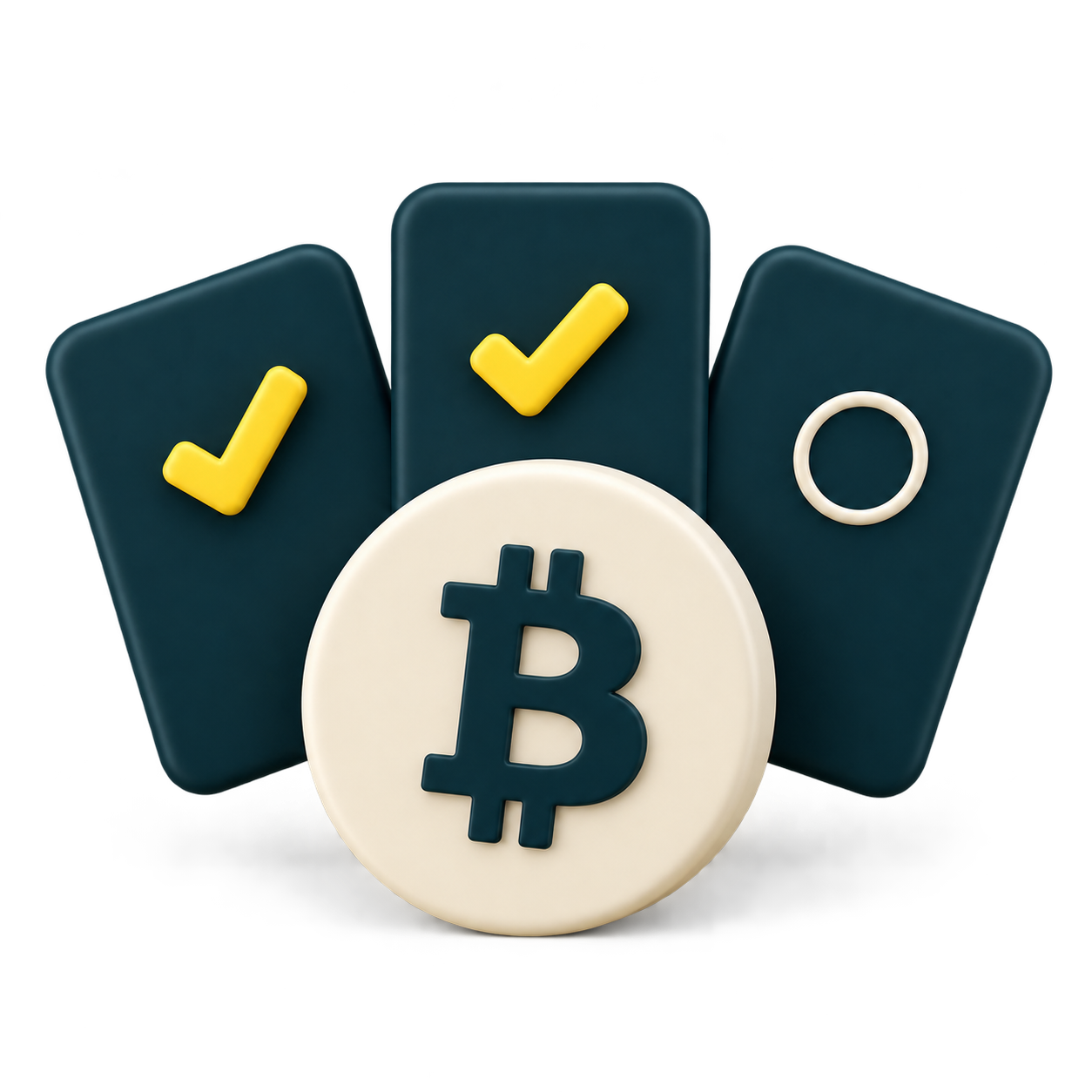
Independent keys. Shared control. You choose how many must agree.
One key alone cannot move your Bitcoin.
Explore multisig2 of 3 shown. Your quorum is configurable.
The desktop application
Manage keys, review transactions and control your coins in one place.
 Nunchuk WalletInteractive walkthrough
Loading Binance market data…
Explore the wallet with simulated balances and transactions. Market prices are supplied by Binance.
For the people who matter
Build something that lasts beyond you. Give the people you love a clear path to your Bitcoin, with an inheritance plan prepared today.

Today
You configure the wallet and the inheritance plan while everything is under your control.
Wallet protected
Day-to-day spending continues under your own signing policy.
Chosen future date
You set the date the inheritance condition becomes relevant.
Timelock condition
The Bitcoin network — not Nunchuk — enforces the condition.
Beneficiary recovery
The recovery policy becomes available and the claim path can be followed.
Controls
Extra controls for assisted wallets, beyond the signing quorum.
Suspend co-signing while you investigate.
Set limits for assisted co-signing.
Time to review before co-signing.
Check that your signers are ready.
Hardware
Choose independent signing devices for your desktop wallet.
Compare signing devices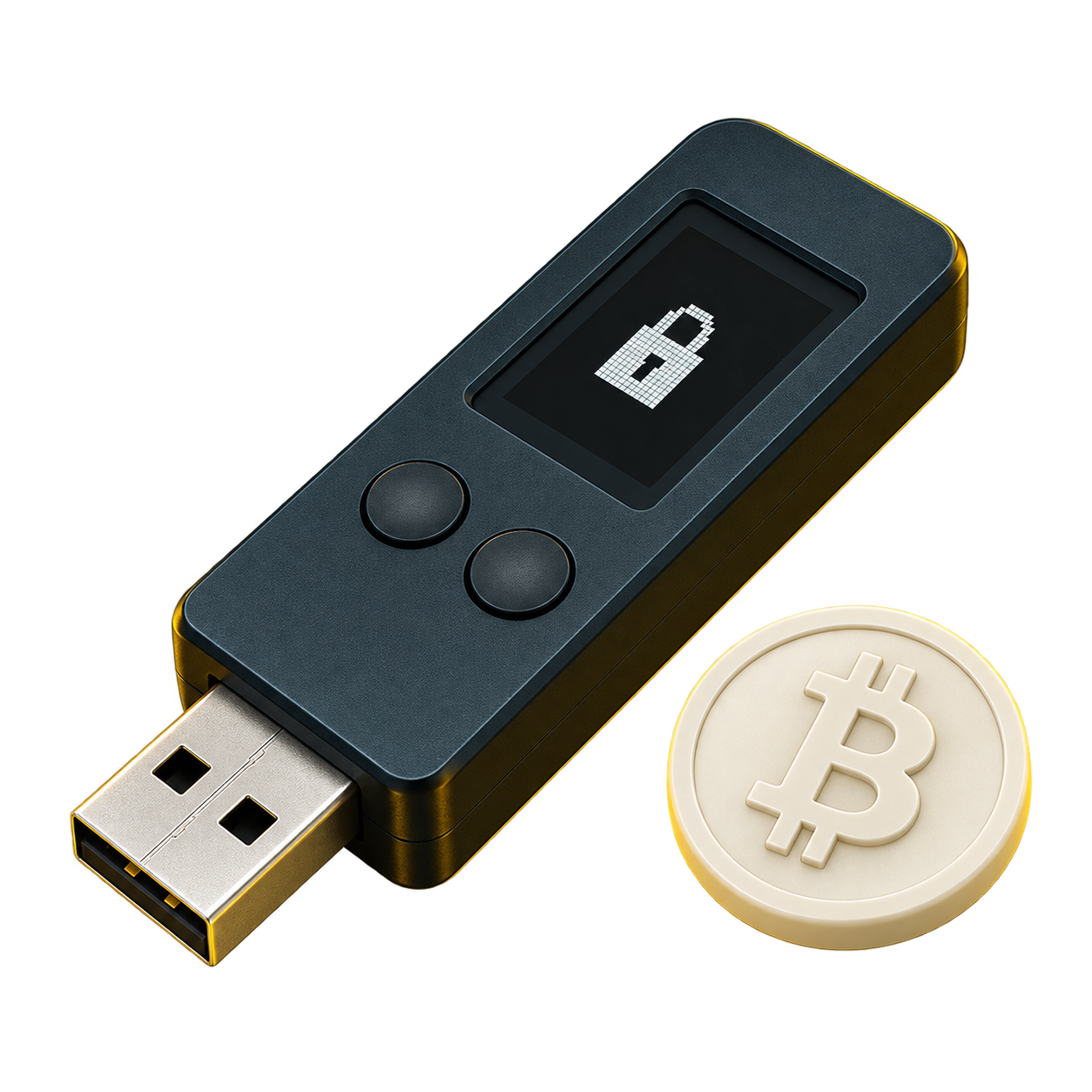
Connect a compatible signer to your computer and verify transaction details on the device.
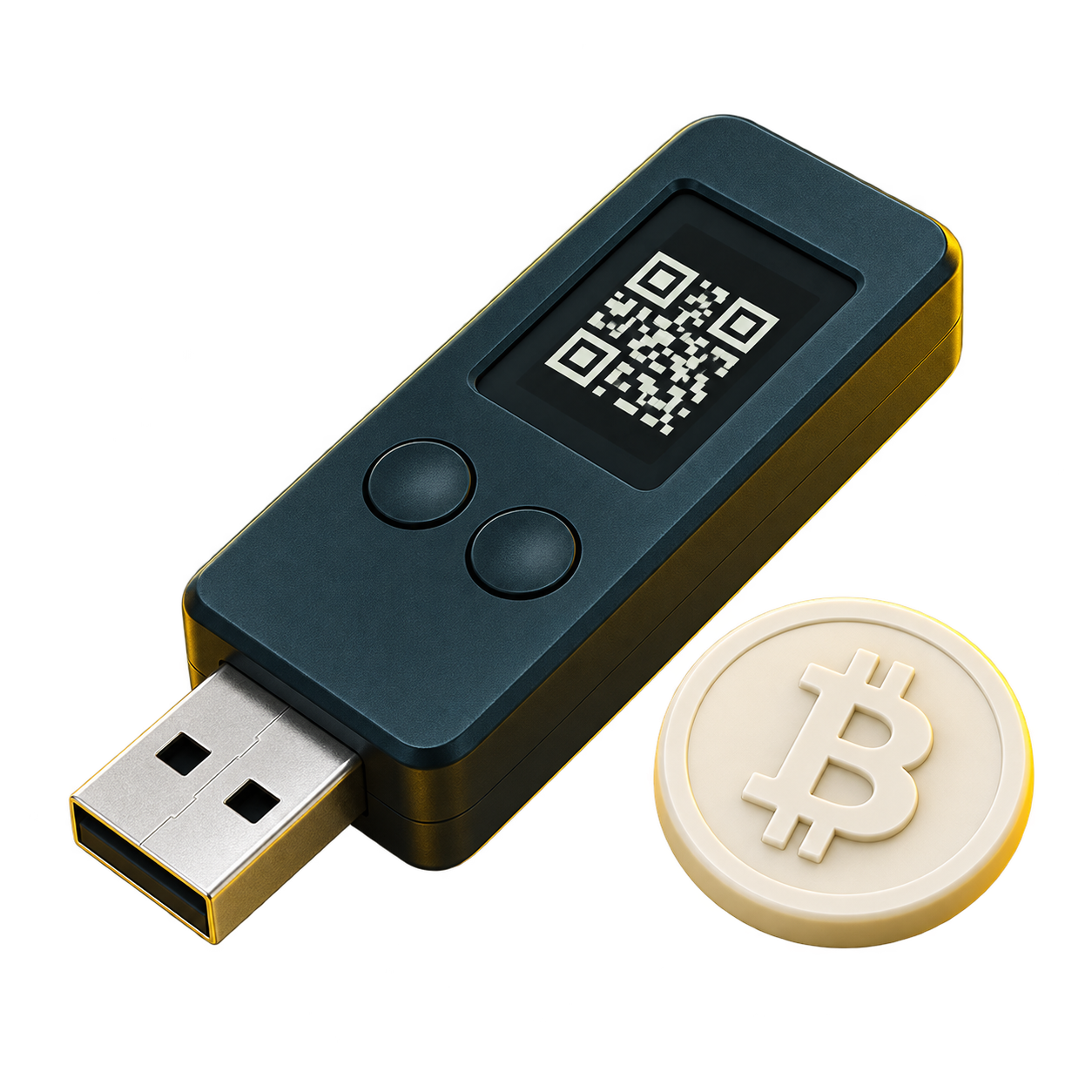
With a compatible QR signer, scan transaction data and return the signature without a USB connection.
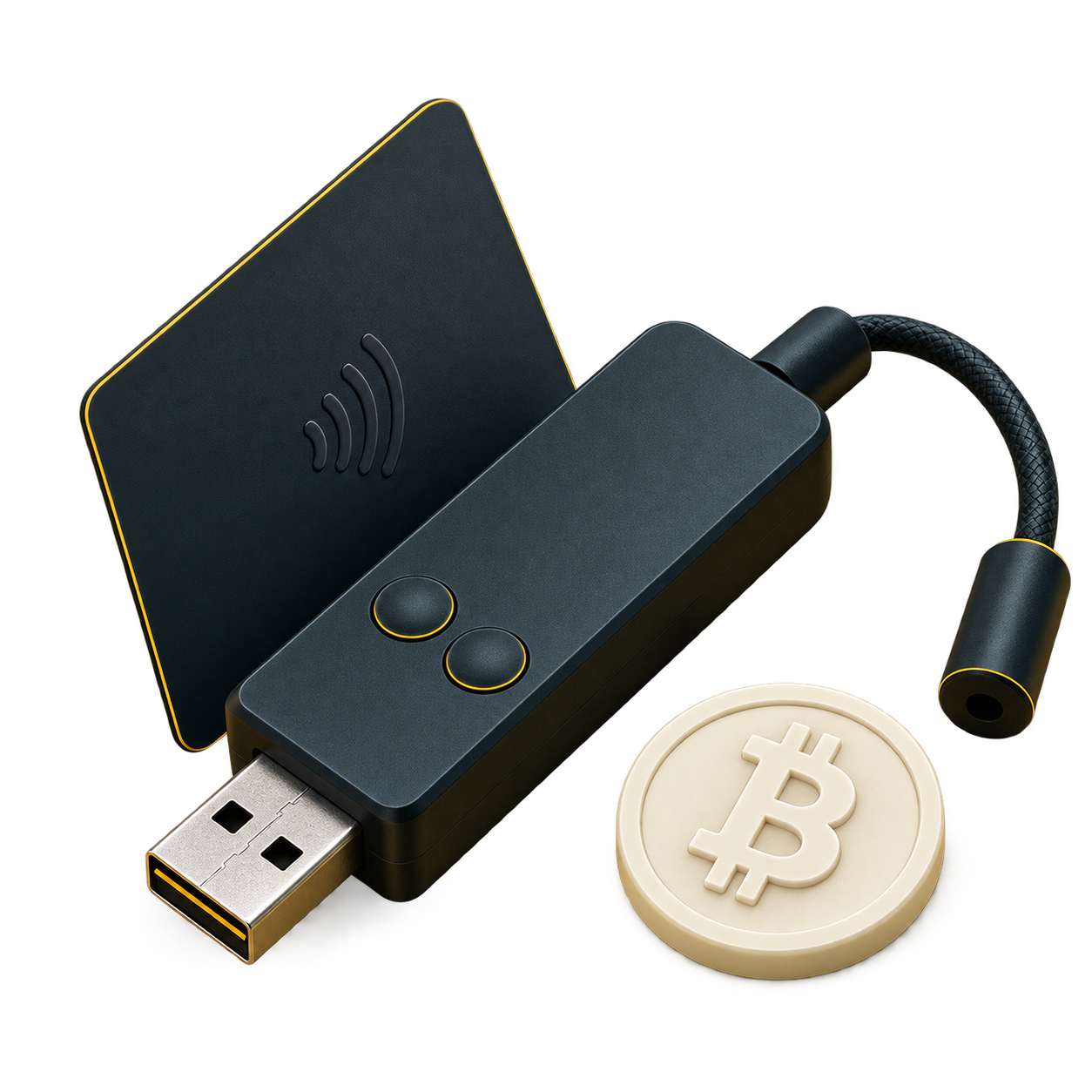
Use a compatible NFC card and desktop card reader to sign. Reader and device support are required.
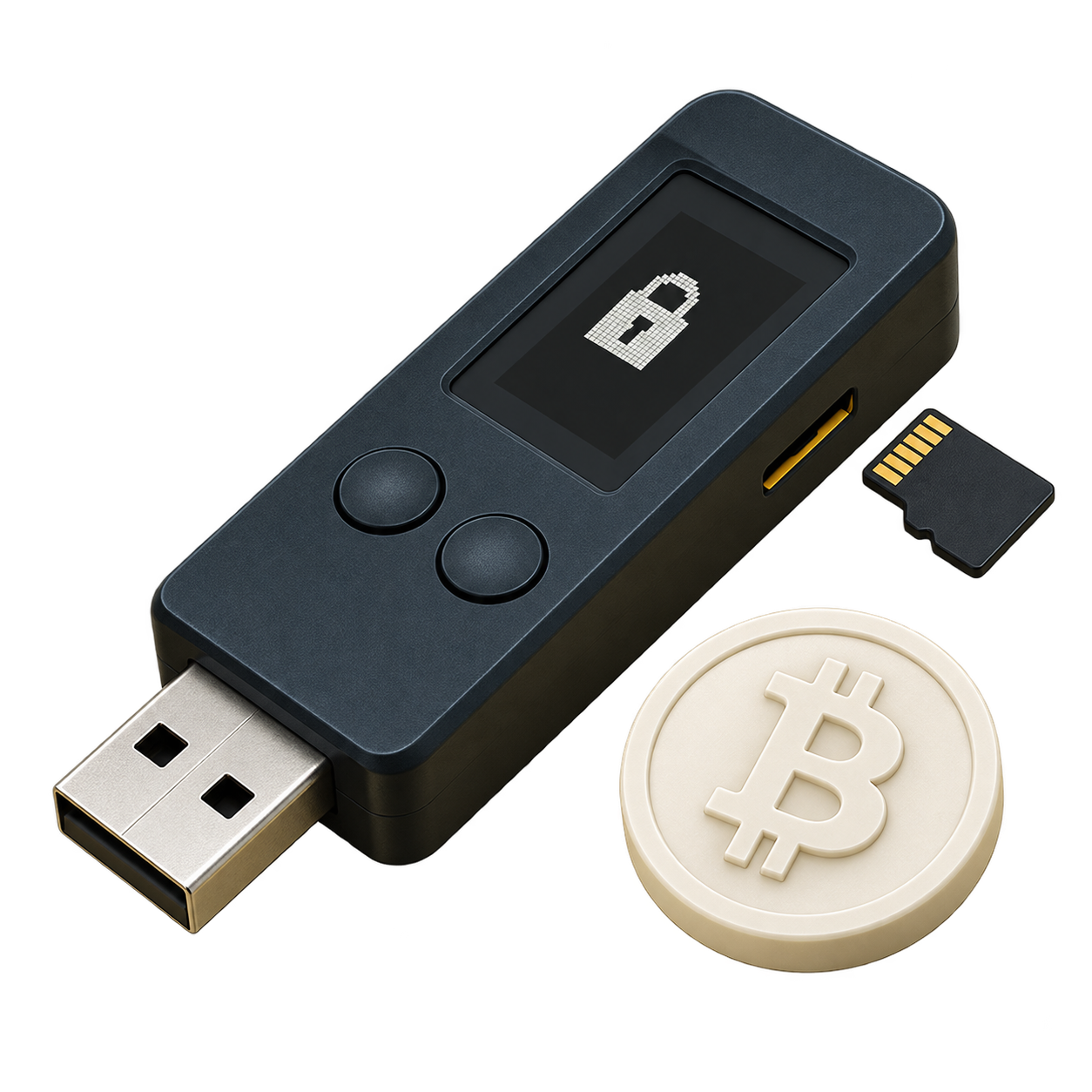
Move an unsigned transaction to a compatible signer on microSD, then import the signed file on desktop.
USB connection Connection overview
Independent devices. Connection methods vary by model.
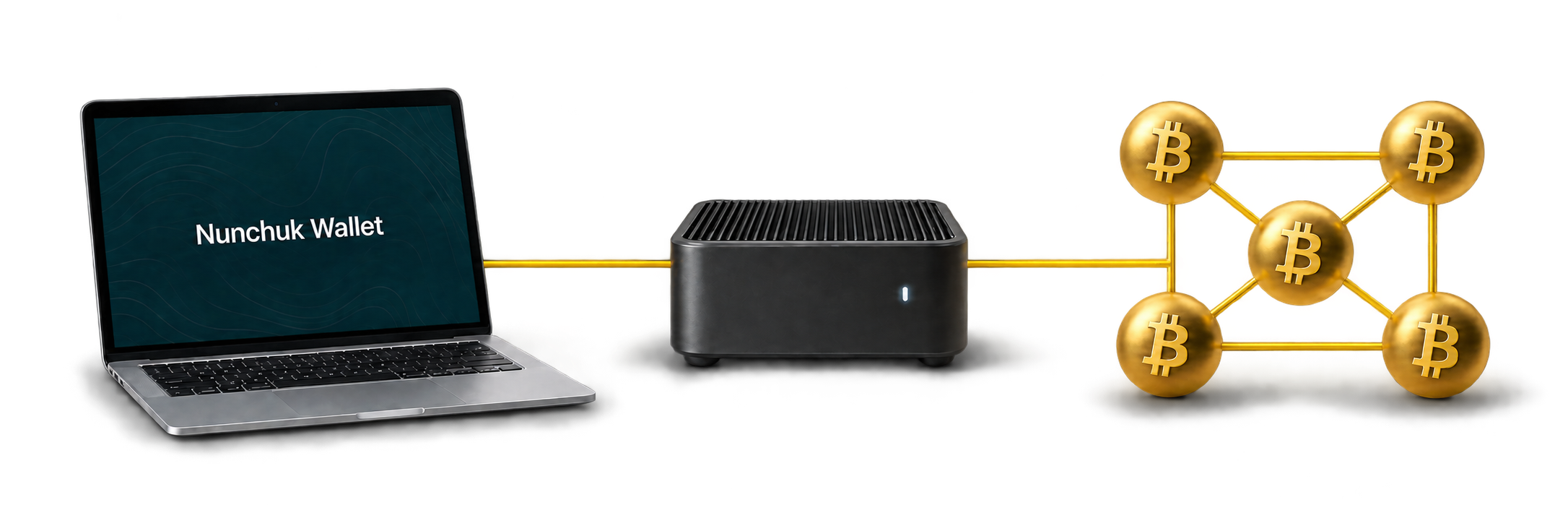
An optional personal node connects your wallet to your own view of Bitcoin.
Choose which transaction outputs to spend.
Share only what the product needs to work.
Better together
Families, partners, trusted groups and treasury teams can share a wallet where each person holds their own key and the policy decides how many must sign.

A shared wallet. No one person spends alone. One unavailable key does not block access.
Credibility
Explore the coverage, code and compatibility.

TAPSIGNER
Coinkite

Blockstream Jade
Blockstream

Portal
TwentyTwo

SeedSigner
SeedSigner

Trezor
SatoshiLabs

Ledger
Ledger

BitBox02
Shift Crypto

Passport
Foundation

Keystone
Keystone

Coldcard
Coinkite
Public code.
Open standards.
Desktop app & libnunchuk.
Descriptors · PSBT · Multisig
Editorial coverage is not endorsement. Compatibility is not partnership.
Get started
Start with your keys. Build a setup that lasts.
Windows · macOS · Linux